Troubleshooting 4K TV Issues
Key Takeaways
- Identify common 4K TV issues and their symptoms.
- Follow step-by-step solutions for fixing these problems.
- Regular maintenance and updates can prevent many issues.
- Know when to seek professional help for complex problems.
4K televisions have become increasingly popular due to their stunning picture quality and immersive viewing experiences. However, like any technology, they can encounter issues that disrupt your enjoyment. This guide aims to help you troubleshoot common problems with 4K TVs and offers solutions to fix them effectively.
Common Problems with 4K TVs
| Issue | Symptoms |
|---|---|
| No picture or sound | Screen is black, no audio output |
| Remote control not responding | Remote doesn’t change channels or control volume |
| Pixelation or artifacts | Distorted images, blocks of color |
| Streaming issues | Buffering, low resolution playback |
| HDMI connection problems | No signal from connected devices |
Step-by-Step Solutions
No Picture or Sound
If your TV is displaying a black screen with no sound, follow these steps:
- Check if the TV is powered on.
- Ensure that the HDMI cable is securely connected.
- Try a different HDMI port or cable.
- Perform a hard reset by unplugging the TV for 60 seconds.
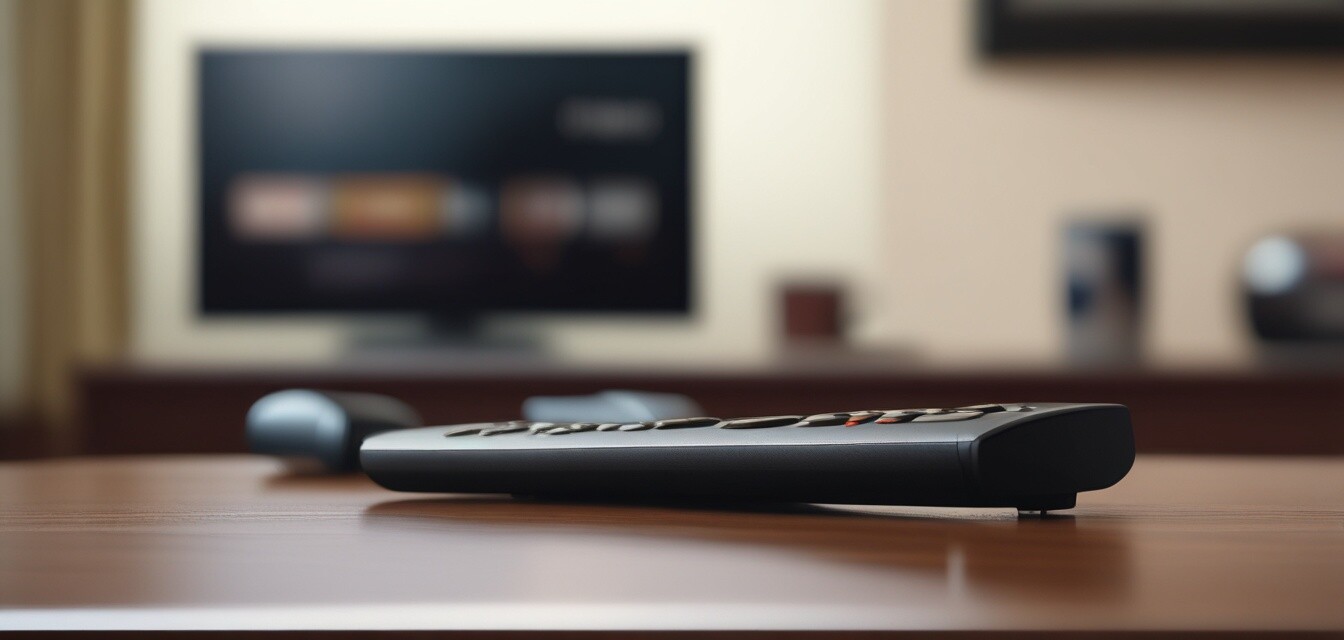
Remote Control Not Responding
When your remote control is not functioning, try these solutions:
- Replace the batteries in the remote.
- Check for obstructions between the remote and the TV sensor.
- Reset the remote by removing the batteries and pressing all buttons.
- Consider using a universal remote or TV app as an alternative.
Pixelation or Artifacts
To resolve issues with pixelation or artifacts, follow these steps:
- Check the quality of the source signal (e.g., cable, streaming).
- Ensure that your internet connection is stable and fast enough.
- Update your TV’s firmware to the latest version.
- Consider adjusting the resolution settings.
Streaming Issues
If you experience buffering or low-resolution playback, implement the following:
- Restart your router and modem.
- Check for app updates on your streaming device.
- Reduce the number of devices using the internet simultaneously.
- Use an Ethernet connection instead of Wi-Fi for better stability.
HDMI Connection Problems
When there is no signal from connected devices, try these troubleshooting steps:
- Ensure the device is powered on and set to the correct input.
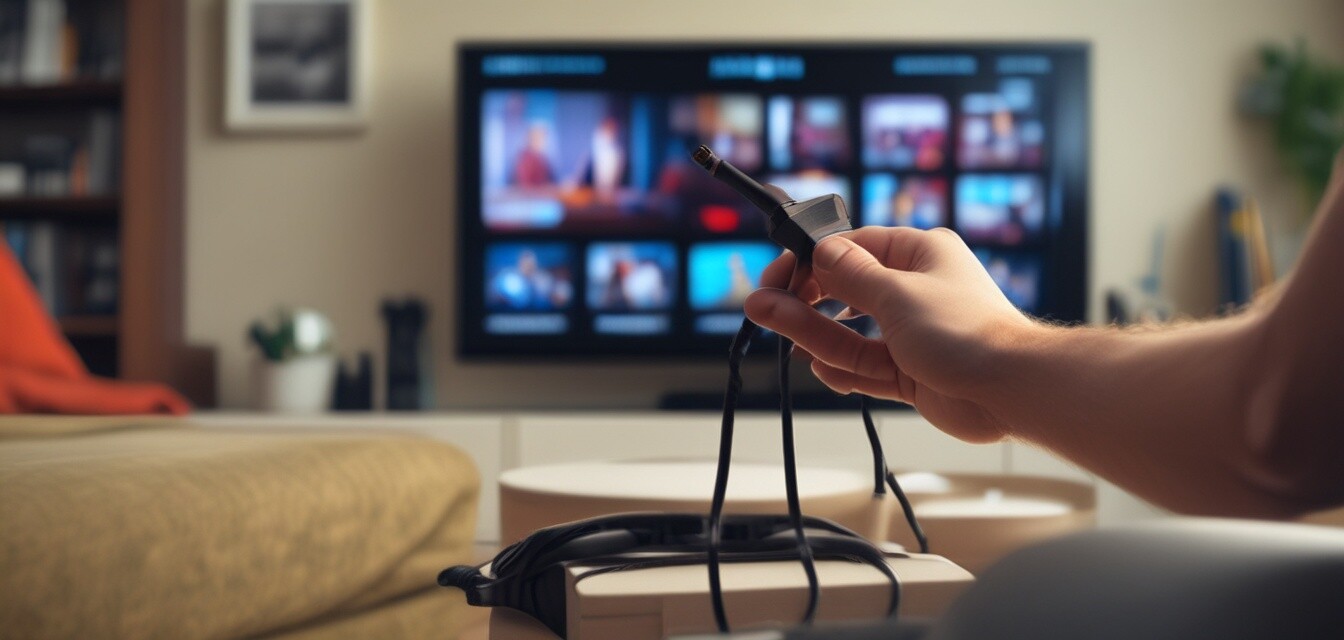
- Inspect HDMI cables for damage and replace them if necessary.
- Try a different HDMI port on your TV.
- Reset the device you are trying to connect.
Maintenance Tips for 4K TVs
Regular maintenance can help prevent many common issues with 4K TVs:
- Keep your TV’s software up to date.
- Regularly clean the screen with a microfiber cloth.
- Make sure your TV has adequate ventilation.
- Disconnect unused devices to avoid confusion with inputs.
Tips for Beginners
- Familiarize yourself with the TV’s user manual for troubleshooting guidance.
- Consider investing in a surge protector to protect your TV.
- Explore online forums for community support on common issues.
- Utilize the built-in help features provided by your TV brand.
Pros
- Stunning picture quality and vibrant colors.
- Wide range of smart features and apps.
- Enhanced viewing experience with 4K resolution.
- Compatibility with various devices and formats.
Cons
- Can be expensive compared to standard TVs.
- May require additional devices for full functionality.
- Possible issues with connectivity and signal quality.
- Firmware updates can sometimes cause temporary problems.
When to Seek Professional Help
If you have tried the troubleshooting steps and your 4K TV is still experiencing issues, it may be time to consult a professional. Consider seeking help for:
- Persistent black screens or sound issues.
- Internal hardware problems suspected.
- Complex installation or setup problems.
- Repair or replacement of damaged parts.
Conclusion
Troubleshooting 4K TV issues can be simple if you know what to look for. By following the outlined steps and maintaining your television, you can enjoy a seamless viewing experience. Should problems persist, don’t hesitate to reach out for professional assistance to ensure your setup remains in optimal condition.
For more resources on 4K TVs, check out our 4K television models page or explore our guides on audio accessories and installation & maintenance.