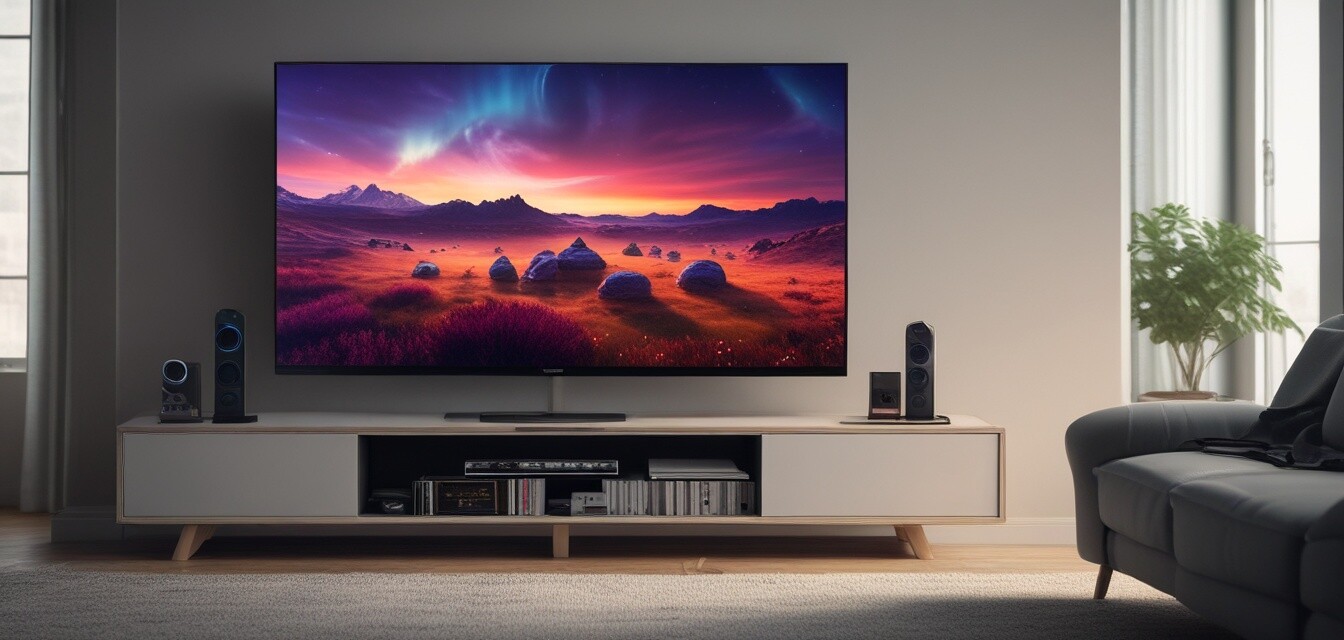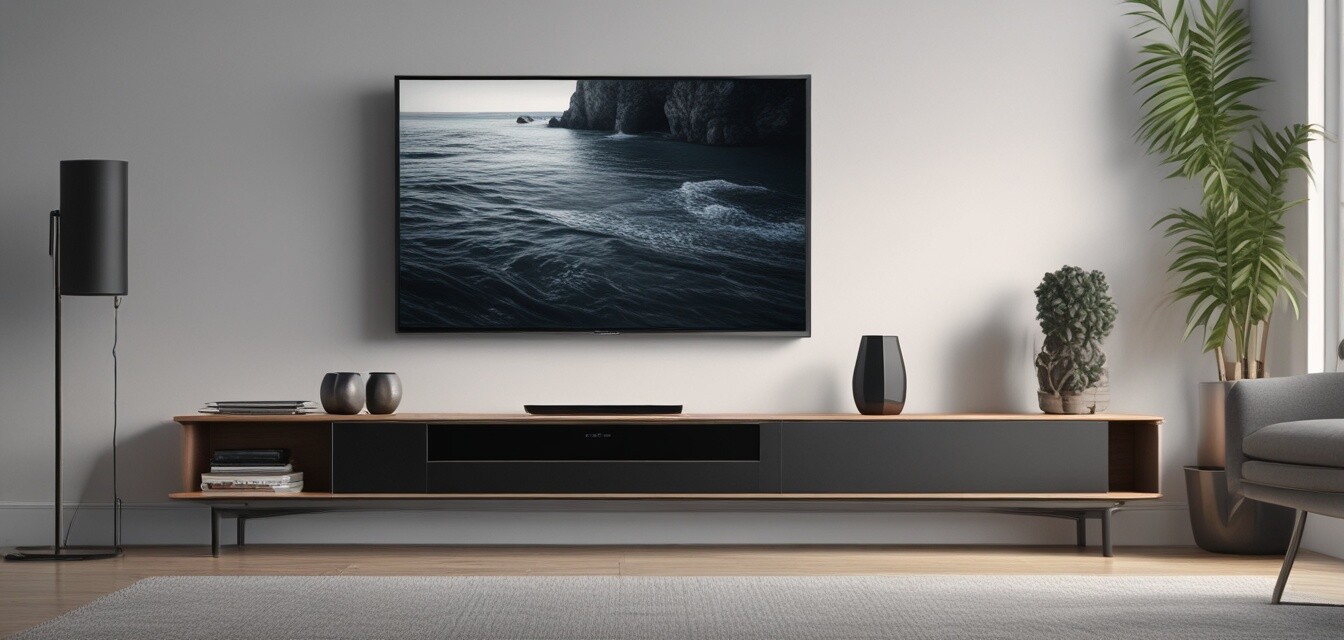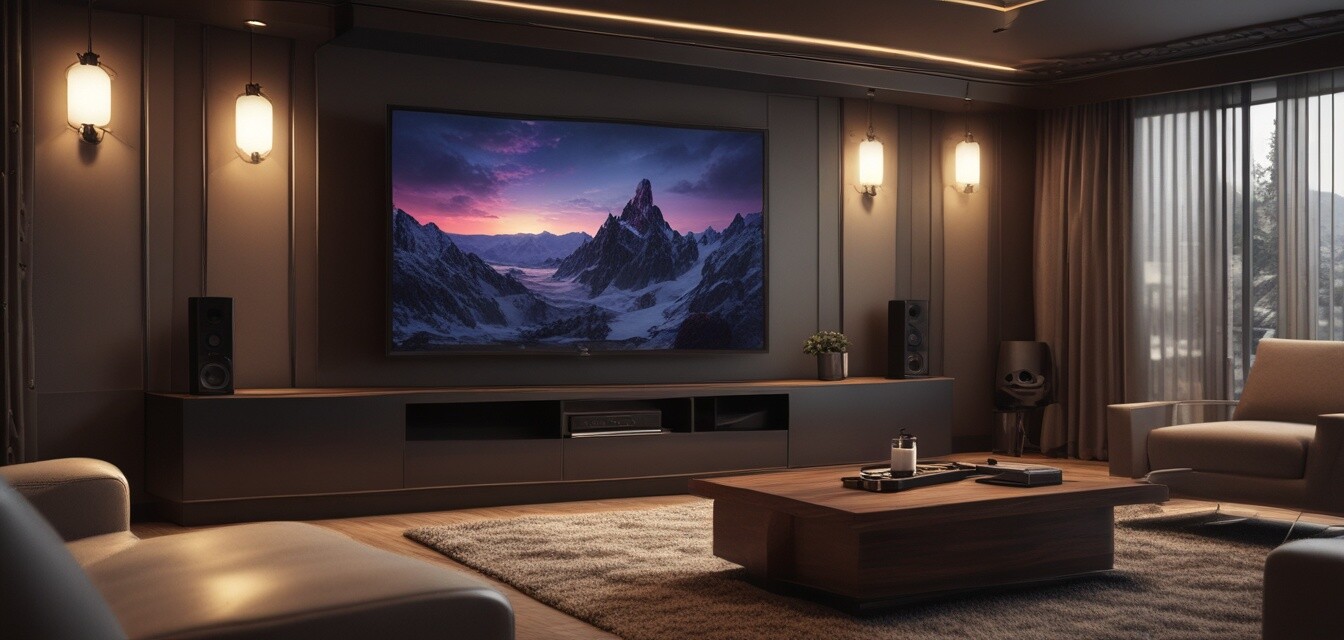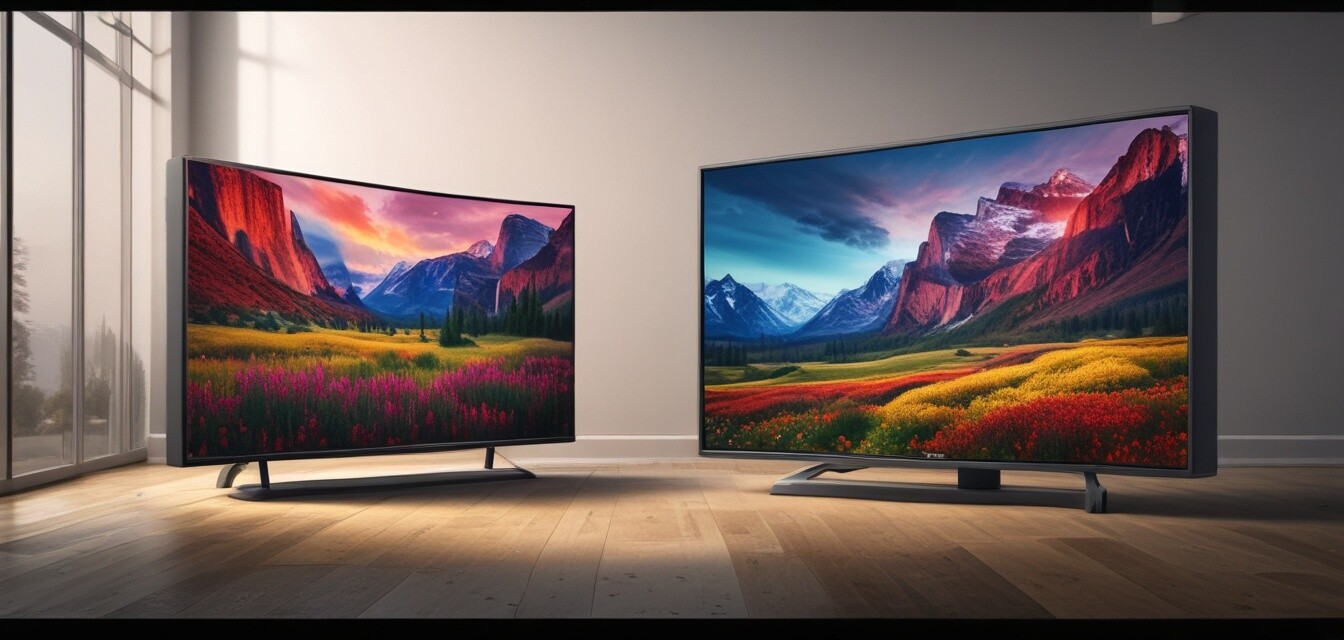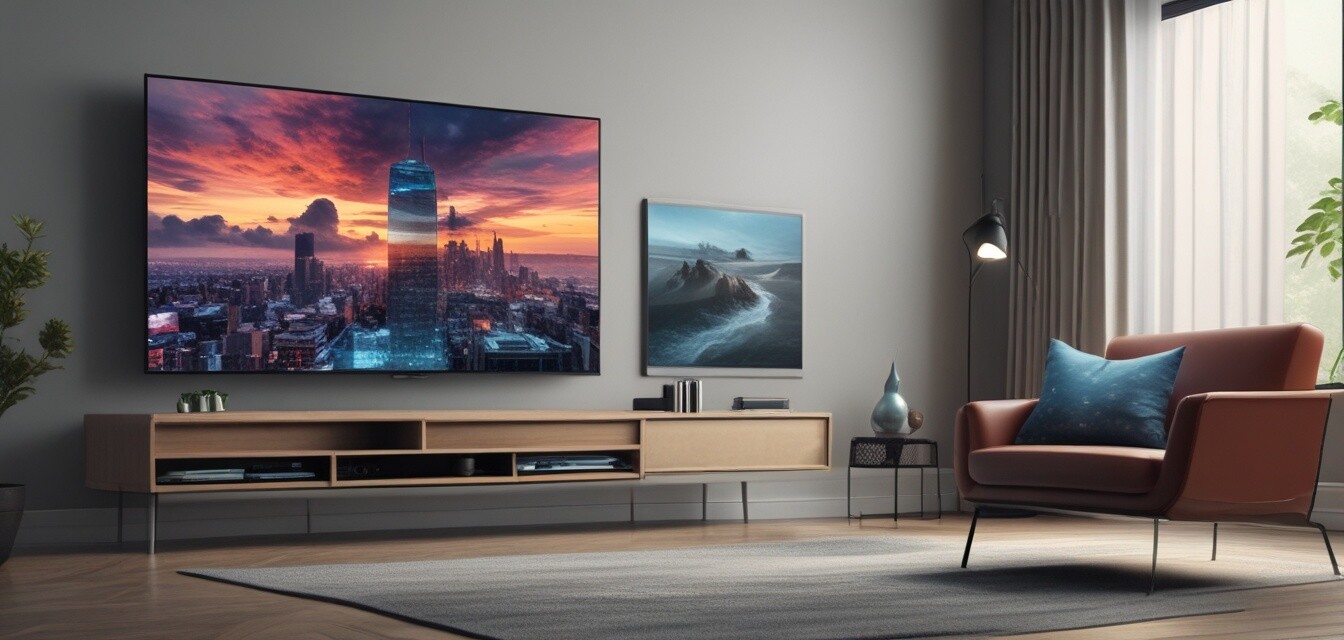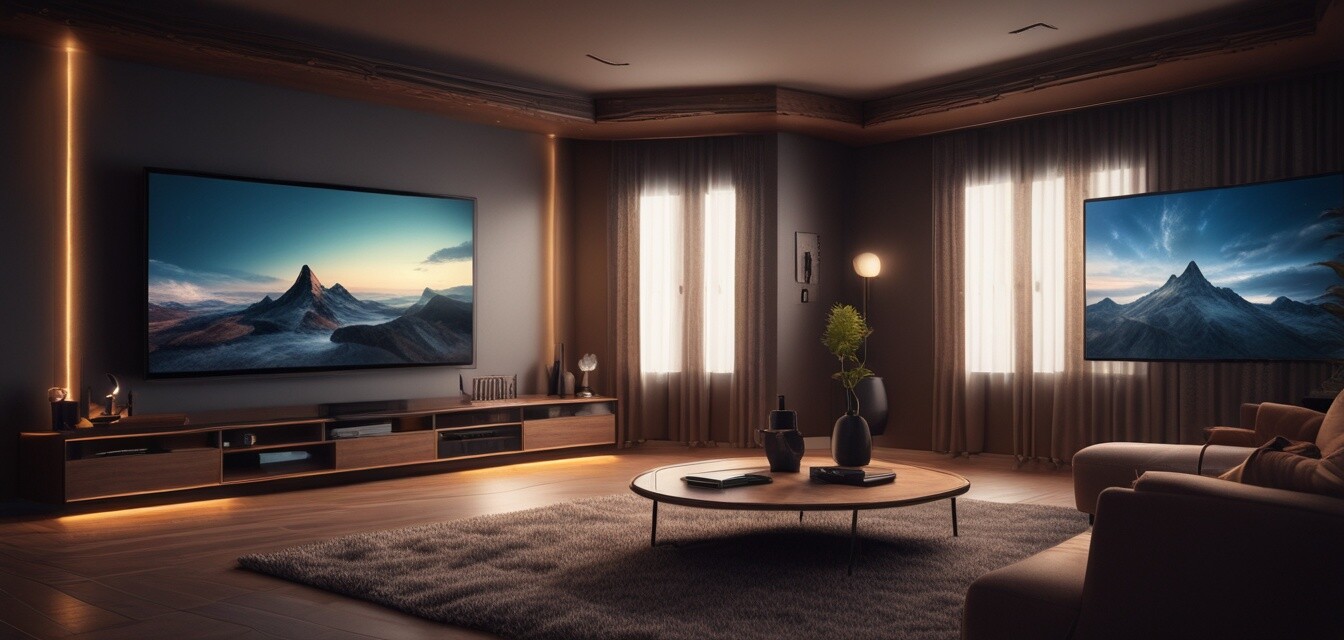
Home theater setup with 4K TV
Key Takeaways
- Choose the right 4K TV size for your room.
- Invest in quality audio accessories for immersive sound.
- Optimize your TV placement and viewing distance.
- Incorporate smart home technology for seamless control.
- Utilize streaming devices for access to a variety of content.
Creating a home theater experience with a 4K TV involves more than just purchasing a television. It encompasses a full setup that includes the right audio accessories, installation methods, and smart home integration. This guide will help you navigate through the essential components and considerations for a stunning home theater.
Choosing the right 4K TV
The first step in creating your home theater setup is selecting the right 4K TV. Consider the following factors:
| Factor | Description |
|---|---|
| Screen Size | Choose a size that fits your space; a larger screen is better for deeper immersion. |
| Resolution | Look for true 4K resolution (3840 x 2160 pixels) for the best picture quality. |
| HDR Support | High Dynamic Range enhances color and contrast for a more vivid image. |
| Refresh Rate | A higher refresh rate (120Hz or more) reduces motion blur in fast-moving scenes. |
Audio accessories for an immersive experience
Sound is a crucial part of any home theater setup. Here are some audio accessories to consider:
Pros
- Enhances the overall entertainment experience.
- Can provide surround sound capabilities.
- Improves dialogue clarity and sound effects.
Cons
- May require additional space.
- Can be costly depending on quality.
- Setup may be complicated for beginners.
Types of audio accessories
Consider the following types of audio accessories for your setup:
- Soundbars: Compact and easy to install, perfect for smaller spaces.
- Home Theater Systems: Offers full surround sound for larger setups.
- Wireless Speakers: Convenient and flexible for placement around the room.
Installation tips for optimal viewing
Proper installation is key to achieving the best viewing experience. Follow these tips:
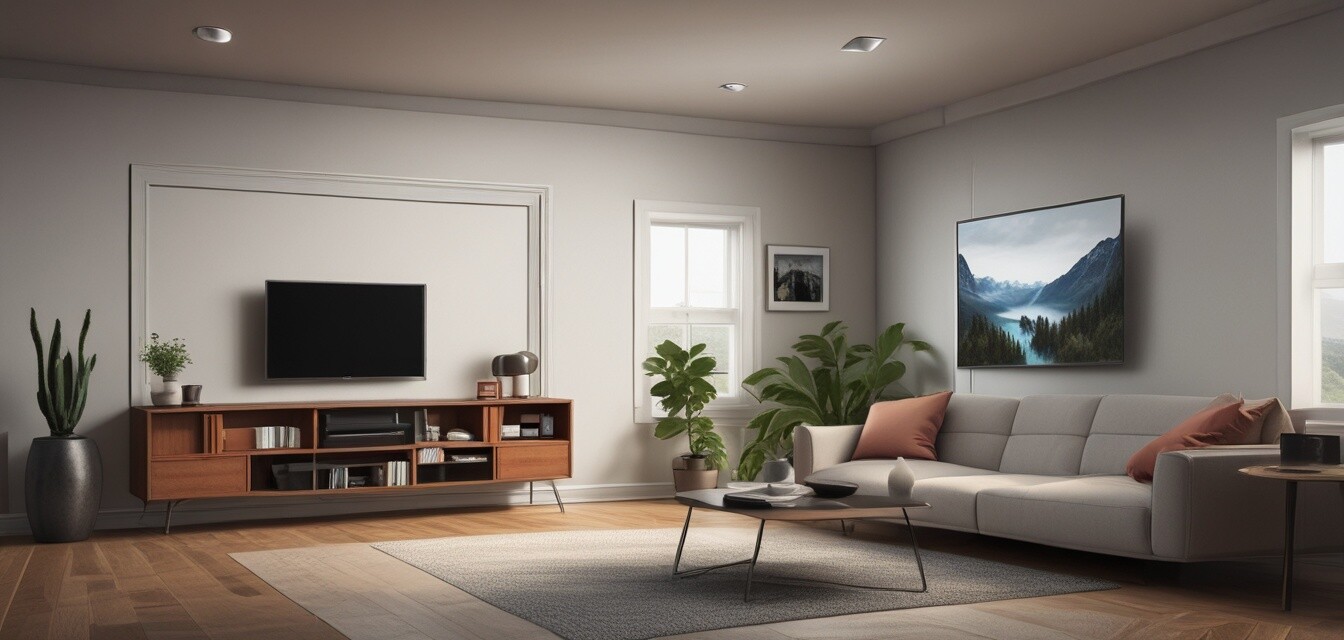
- Mount the TV at eye level for comfortable viewing.
- Ensure the viewing distance is at least 1.5 times the screen size.
- Use a reputable TV mount or stand for stability.
- Consider cable management solutions for a clean look.
Smart home integration
Integrating smart home technology can enhance your home theater experience:
| Device | Description |
|---|---|
| Smart Remote | Control all devices with one remote for convenience. |
| Smart Speakers | Use voice commands to control your TV and audio. |
| Streaming Devices | Access a variety of content through apps on your TV. |
For more information on streaming devices, check out our Streaming Devices page.
Final thoughts
Setting up a home theater with a 4K TV can transform your entertainment experience. By choosing the right components and optimizing your setup, you can create a space that rivals a cinema. Remember to consider your room size, audio needs, and smart technology options for a complete experience.
Tips for beginners
- Start with a budget and prioritize essential components.
- Research and read reviews before making purchases.
- Don’t hesitate to ask for help with installation.
- Experiment with different configurations to find what works best for you.
For more guidance on audio accessories, visit our Audio Accessories page. For installation tips, see our Installation & Maintenance page. And explore smart home integration options at our Smart Home Integration page.