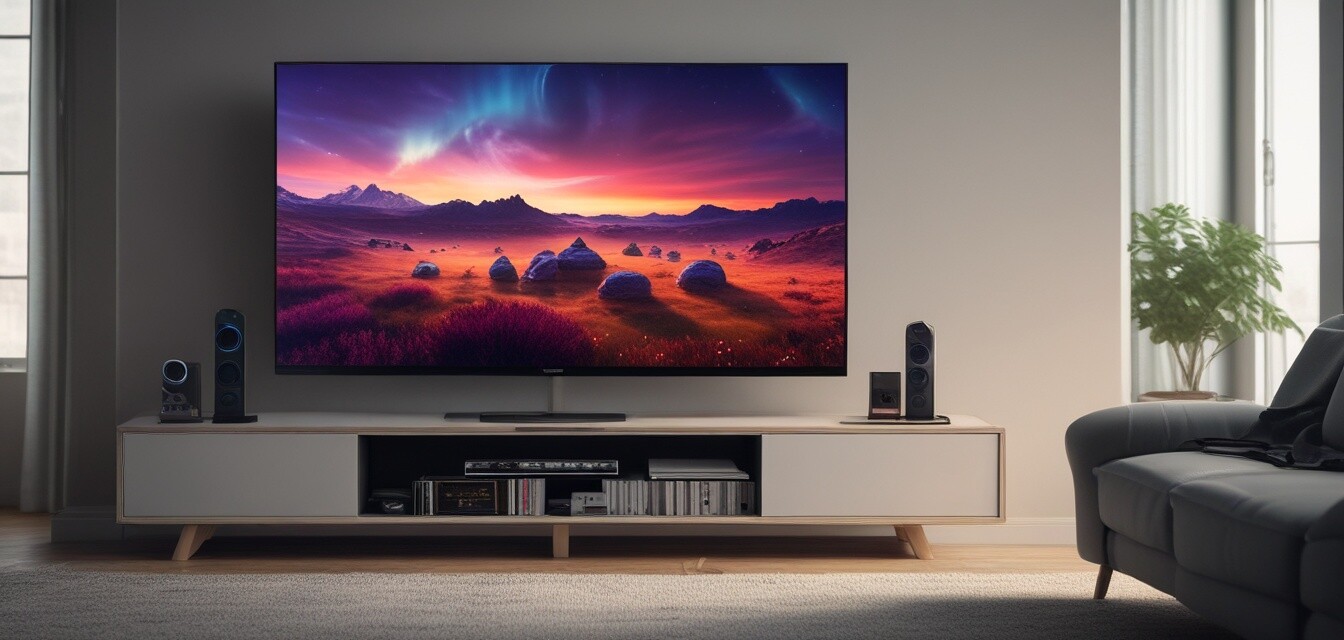
Gaming on 4K TVs
As gaming technology continues to evolve, 4K TVs have become a popular choice for gamers seeking an immersive experience. With stunning visuals, improved refresh rates, and advanced features, 4K TVs elevate gaming sessions to new heights. In this guide, we will explore the best 4K TVs for gaming, compatibility with gaming consoles, and tips for optimizing your gaming setup.
Key Takeaways
- 4K TVs provide superior image quality, enhancing your gaming experience.
- Look for low input lag and high refresh rates for competitive gaming.
- Ensure compatibility with your gaming console for optimal performance.
- Consider additional features like HDMI 2.1 for the latest gaming consoles.
- Proper setup and calibration can significantly improve gaming visuals.
Why Choose a 4K TV for Gaming?
4K TVs offer four times the resolution of Full HD, which means more detail and clarity in gaming graphics. Here are some reasons why a 4K TV is an excellent choice for gamers:
- Enhanced Visuals: 4K resolution provides breathtaking graphics that bring games to life.
- Faster Refresh Rates: Many 4K TVs support refresh rates of 120Hz or more, reducing motion blur during fast-paced action.
- HDR Support: High Dynamic Range (HDR) enhances color and contrast, making games look more vibrant.
- Low Input Lag: This is crucial for responsive gameplay, especially in competitive settings.
Best Features to Look For
When selecting a 4K TV for gaming, consider the following features:
| Feature | Description |
|---|---|
| Input Lag | Low input lag (15ms or less) is essential for a responsive gaming experience. |
| Refresh Rate | Look for a refresh rate of at least 60Hz; 120Hz is ideal for smoother gameplay. |
| HDMI 2.1 | Necessary for the latest gaming consoles to support higher resolutions and refresh rates. |
| VRR (Variable Refresh Rate) | Helps eliminate screen tearing for a smoother gaming experience. |
| HDR Support | Enhances game visuals with improved color accuracy and contrast. |
Compatibility with Gaming Consoles
When choosing a 4K TV, it's important to ensure compatibility with your gaming consoles. Below is a comparison of popular gaming consoles and their compatibility with 4K TVs:
| Console | Resolution | HDR Support | Recommended HDMI Version |
|---|---|---|---|
| PlayStation 5 | 4K | Yes | HDMI 2.1 |
| Xbox Series X | 4K | Yes | HDMI 2.1 |
| Xbox Series S | Up to 1440p (4K supported through upscaling) | Yes | HDMI 2.0 |
| Nintendo Switch | Up to 1080p (4K supported in dock mode) | No | HDMI 1.4 |
Performance Tips for Gaming on 4K TVs
To maximize your gaming experience on a 4K TV, consider these performance tips:
- Adjust TV settings: Make sure to switch to Game Mode to reduce input lag.
- Use high-quality HDMI cables: Ensure your cables support the necessary bandwidth for 4K gaming.
- Calibrate your TV: Adjust brightness, contrast, and color settings for the best visuals.
- Check for firmware updates: Keep your TV's software updated for optimal performance.
- Position your TV correctly: Ensure it's at eye level and at a comfortable distance for viewing.
Popular 4K TV Brands for Gaming
Here are some of the most reputable brands known for their quality 4K TVs suitable for gaming:
- LG: Known for OLED technology, offering stunning contrast and colors.
- Sony: Offers excellent picture quality and features like low input lag.
- Samsung: Known for QLED technology, providing vibrant colors and high brightness levels.
- TCL: A budget-friendly option with solid performance and features.
Conclusion
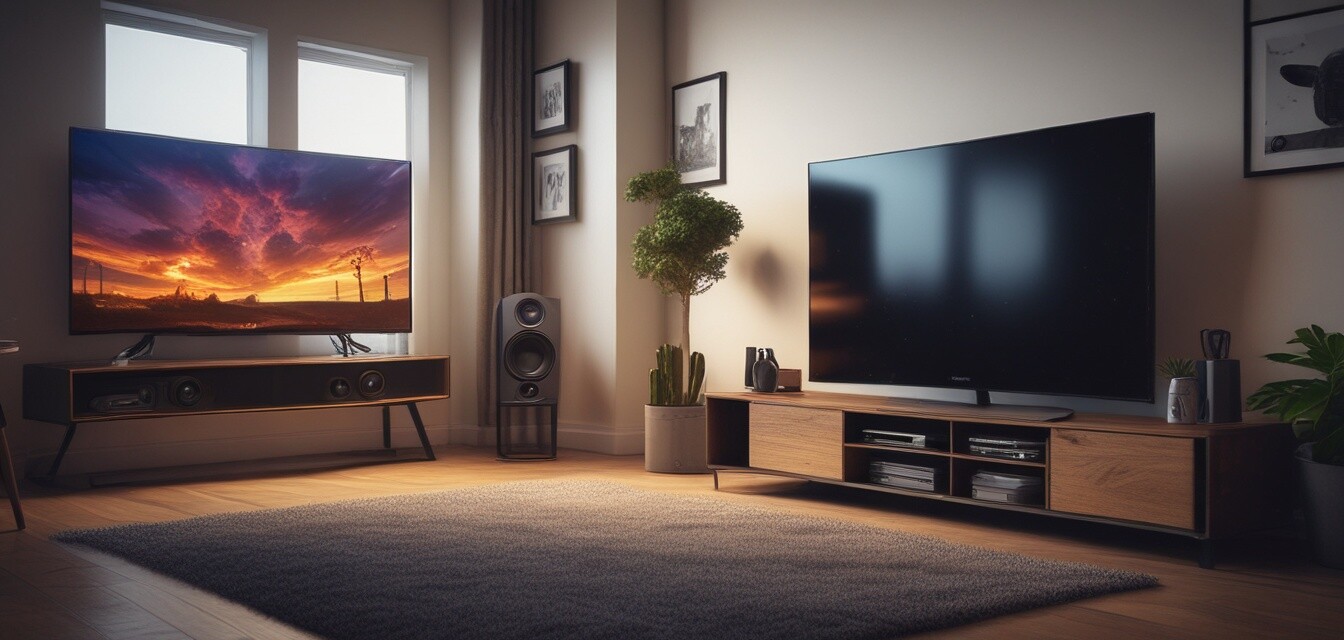
Investing in a 4K TV for gaming can dramatically enhance your overall experience. With stunning visuals, fast refresh rates, and advanced features, the right 4K TV can take your gaming to the next level. Remember to consider compatibility with your gaming consoles and optimize your setup for the best performance. For more information on 4K television models, check out our 4K Television Models page.
Pros
- Exceptional visual quality and detail.
- Greater immersion with high refresh rates and HDR.
- Wide range of available models and features.
- Future-proofing with HDMI 2.1 support.
Cons
- Higher initial cost compared to standard HD TVs.
- Not all games support 4K resolution.
- Potential for input lag if not optimized.
Additional Resources
For further reading and resources related to gaming on 4K TVs, check out these helpful links: