4K TV Setup Guide
Welcome to the ultimate guide for setting up your 4K television! In this comprehensive resource, we’ll cover everything you need to know to get the best out of your 4K TV experience, from installation tips to connectivity options. Whether you're a tech enthusiast or a casual viewer, you’ll find valuable information that will enhance your viewing pleasure.
Key Takeaways
- Choose the right location and mounts for your TV.
- Ensure optimal settings for picture and audio quality.
- Understand your connectivity options for various devices.
- Utilize streaming devices and smart home integrations for enhanced features.
- Regularly maintain your TV for longevity and performance.
Choosing the Right Location for Your 4K TV
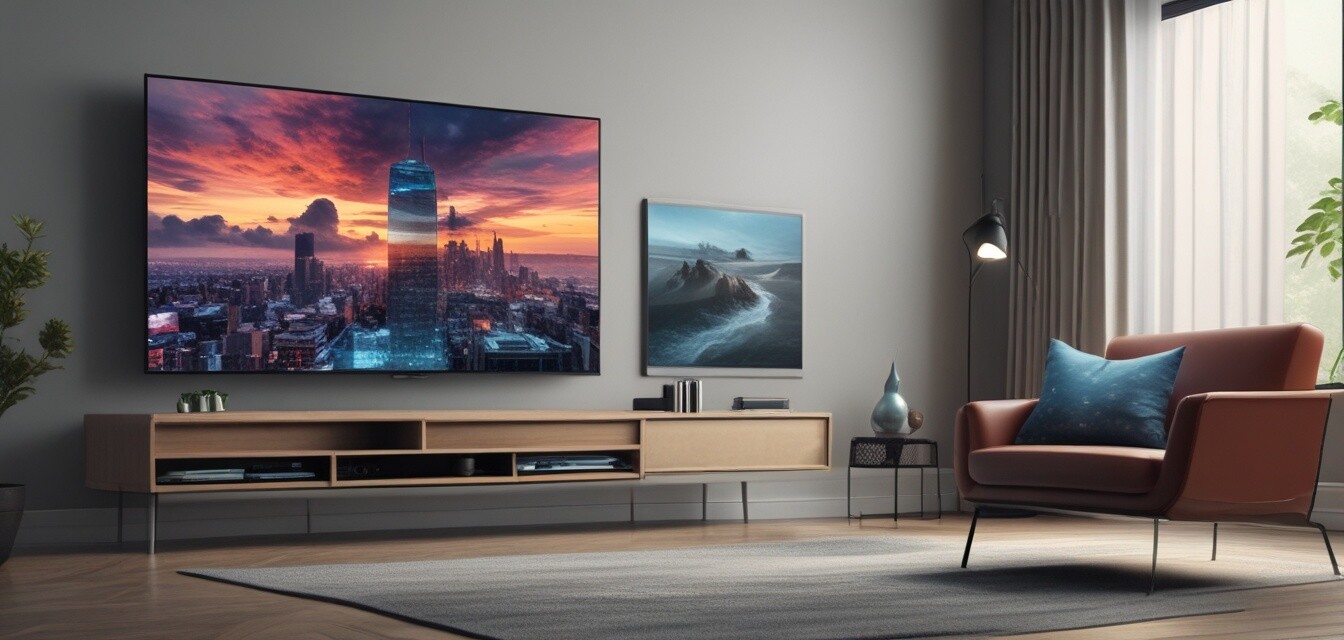
The first step in setting up your 4K TV is determining where to place it. Here are some guidelines to follow:
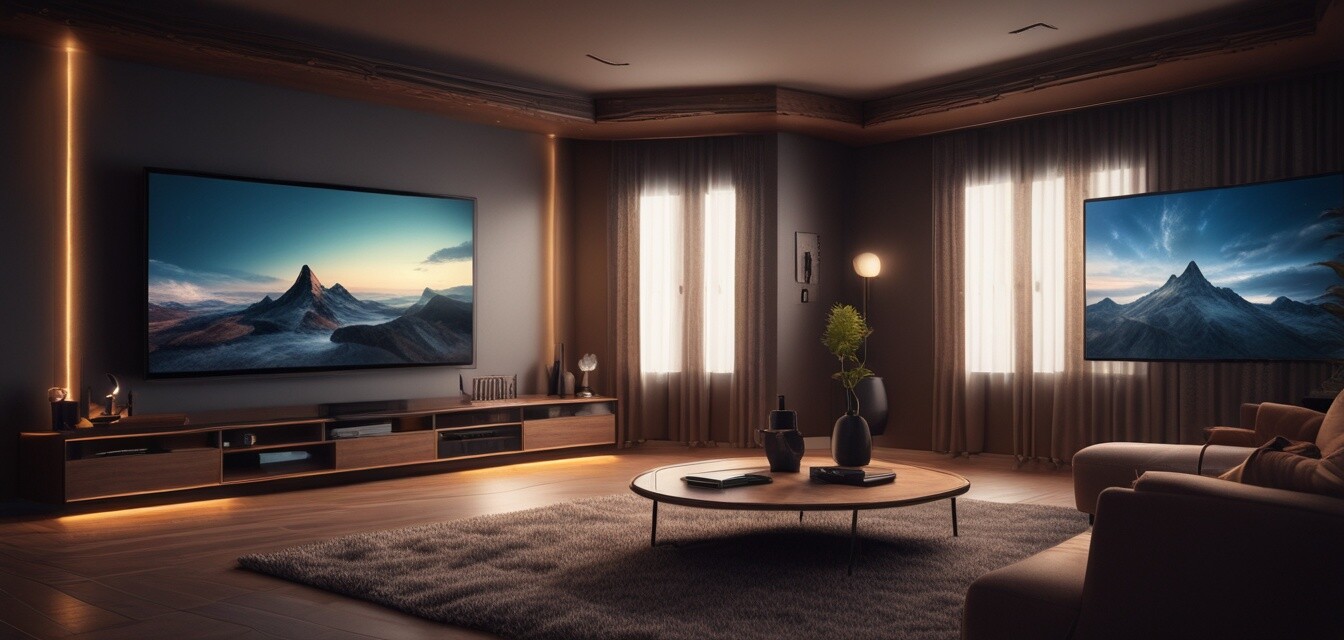
- Avoid placing the TV in direct sunlight to reduce glare.
- Position the TV at eye level when seated for maximum comfort.
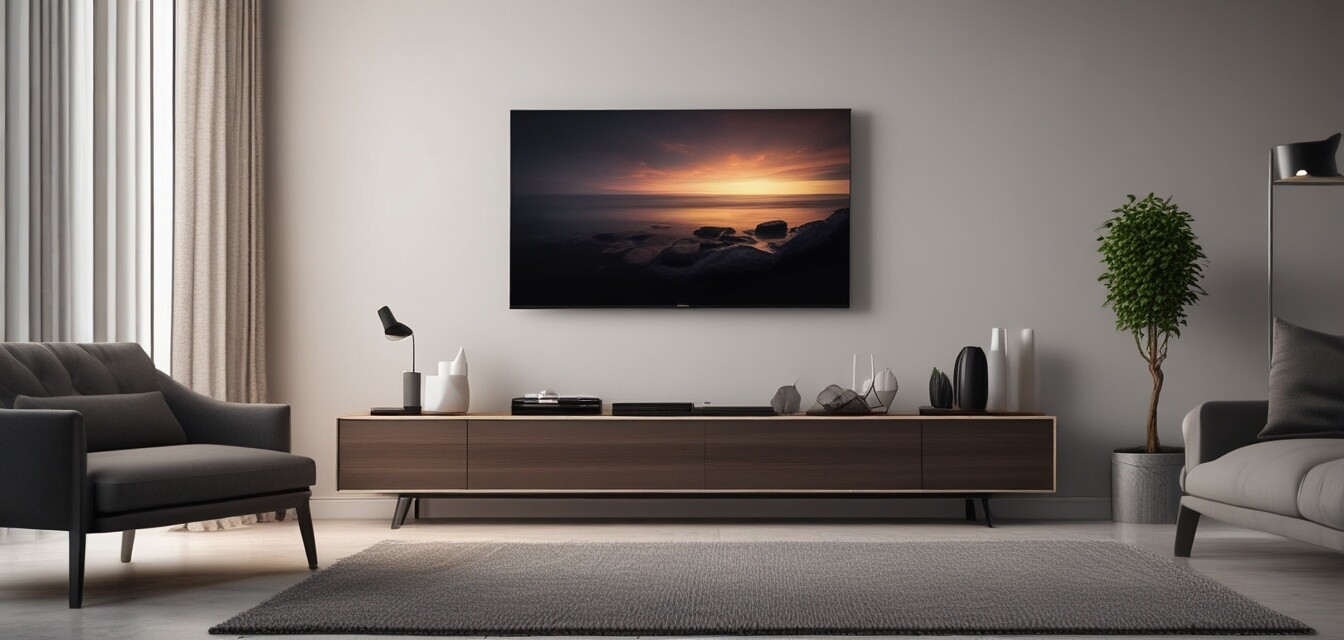
- Select a wall or surface that can support the size and weight.
TV Mounts and Stands
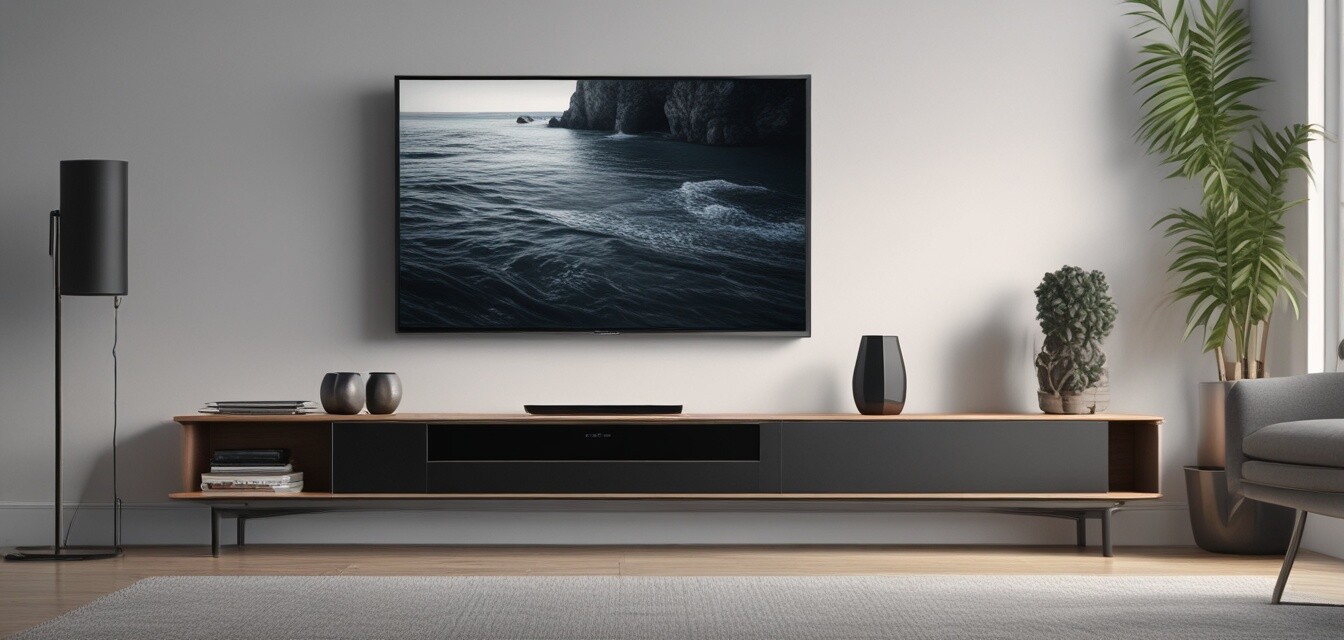
Choosing the right mount or stand is crucial for a secure and aesthetic setup. Here's a comparison of different types:
| Type | Pros | Cons |
|---|---|---|
| Wall Mount | Space-saving; sleek look; minimizes tip-over risk. | Requires installation; limited adjustability. |
| TV Stand | Easy to set up; provides extra storage. | Occupies more space; can be less stable. |
| Corner Mount | Maximizes viewing space; works well in small rooms. | Limited height adjustment options. |
Connecting Your Devices
Once your TV is mounted or placed, it's time to connect your devices. Ensure you have the necessary cables, such as HDMI and optical audio, to maximize your connection.
- Connect your streaming device.
- Link up gaming consoles or Blu-ray players.
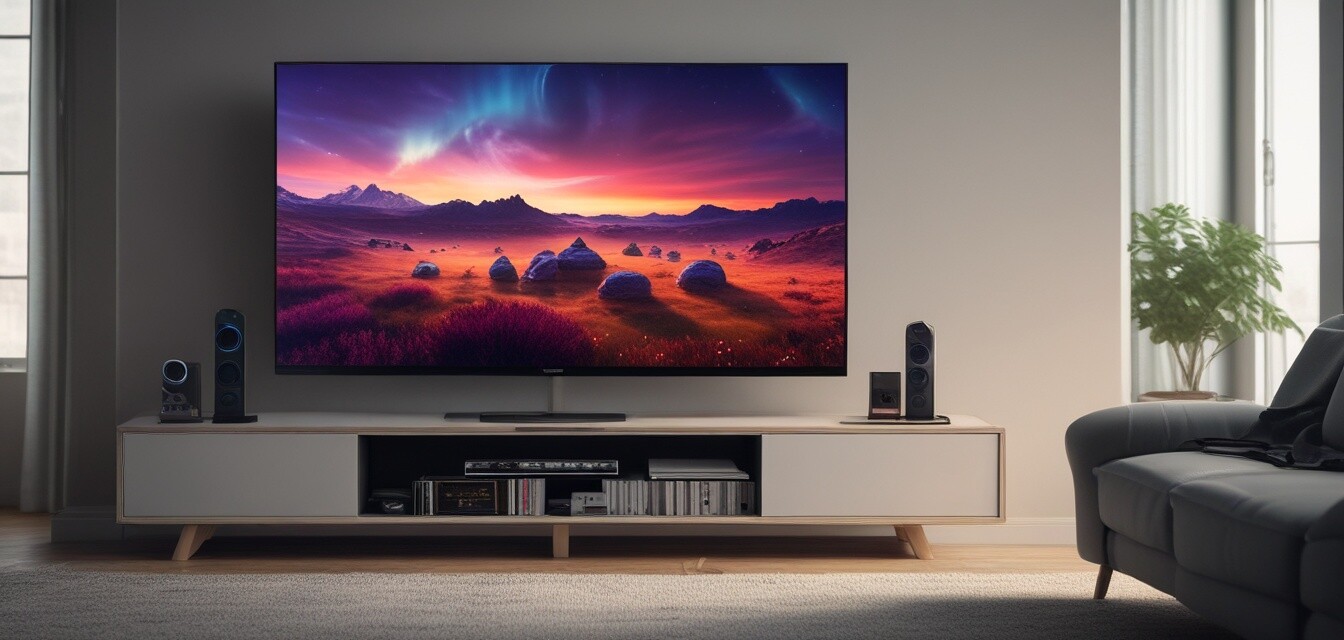
- If applicable, connect external speakers or soundbars.
- Set up your smart home device integrations.
Understanding Ports and Cables
Here’s a quick overview of common ports and types of cables you'll encounter:
| Type | Use | Notes |
|---|---|---|
| HDMI | Video and audio transmission | Use the latest HDMI version for 4K quality. |
| Optical Audio | High-quality audio connection | Good for linking sound systems. |
| USB | Media playback and device charging | Great for sharing photos/videos. |
Calibrating Your 4K TV Settings
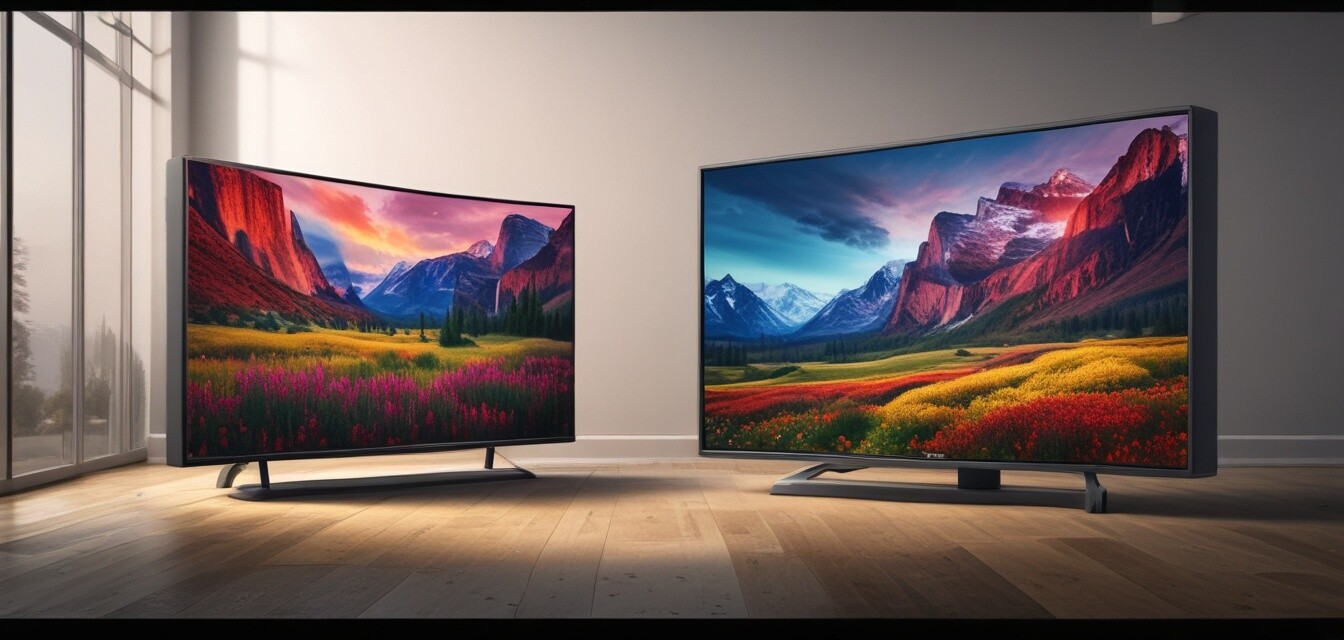
To achieve the best picture quality, you'll want to calibrate your 4K TV settings. Here are some key settings to adjust:
- Brightness: Set based on room lighting.
- Contrast: Adjust for detail in bright areas.
- Color: Choose the setting that looks most natural.
- Sharpness: Too much can make the picture noisy, keep it subtle.
Enhancing Your Viewing Experience with Accessories
Don’t forget about the various accessories available to complement your 4K TV setup:
- Soundbars for improved audio.
- Smart remotes for convenience.
- Screen cleaners to maintain clarity.
Beginners tips for setting up your 4K TV
- Read the user manual before setting up.
- Take your time with installation; rushing often leads to mistakes.
- Consider professional installation if unsure about mounting.
- Test all connections and devices after setup to ensure functionality.
Regular Maintenance of Your 4K TV
Lastly, maintaining your TV is essential for a long-lasting investment. Here are a few maintenance tips:
- Dust the exterior regularly with a soft cloth.
- Check for software updates periodically.
- Avoid using harsh cleaners on the screen.
Pros
- Ultra HD resolution for amazing clarity.
- Wider viewing angles without losing quality.
- Compatibility with many streaming services.
Cons
- Requires high-speed internet for streaming.
- Installation can be complex for beginners.
- Some setups may require additional accessories.
Learn More
For additional help and resources, check out our related pages:
- Explore the latest 4K television models
- Find the perfect audio accessories
- Get tips on installation and maintenance
- Learn about smart home integration options
- Discover streaming devices for seamless viewing
Conclusion
Setting up your 4K TV can seem daunting, but by following these tips and guidelines, you can enjoy an impressive viewing experience. Remember to regularly update your setup and explore additional devices that can enhance your enjoyment. Happy watching!